
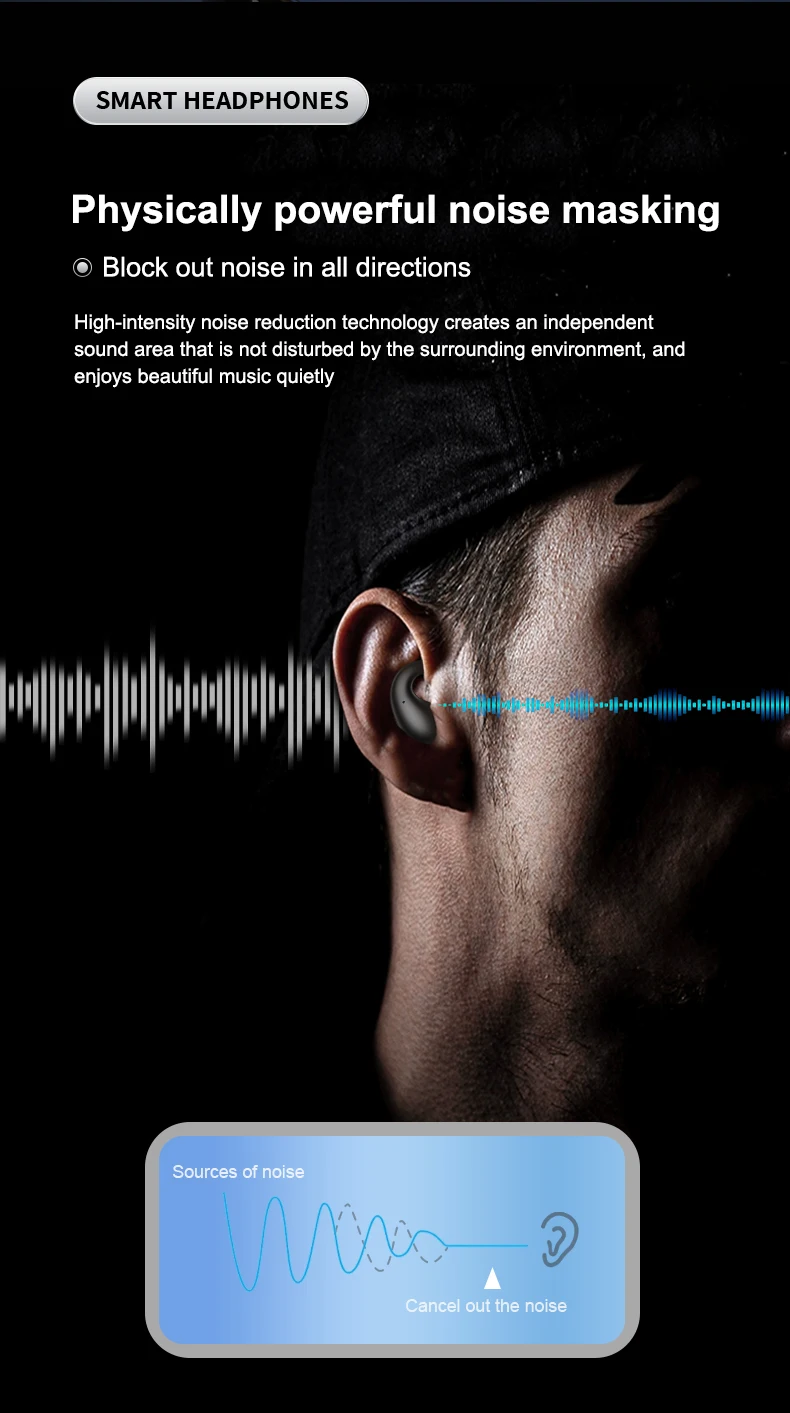
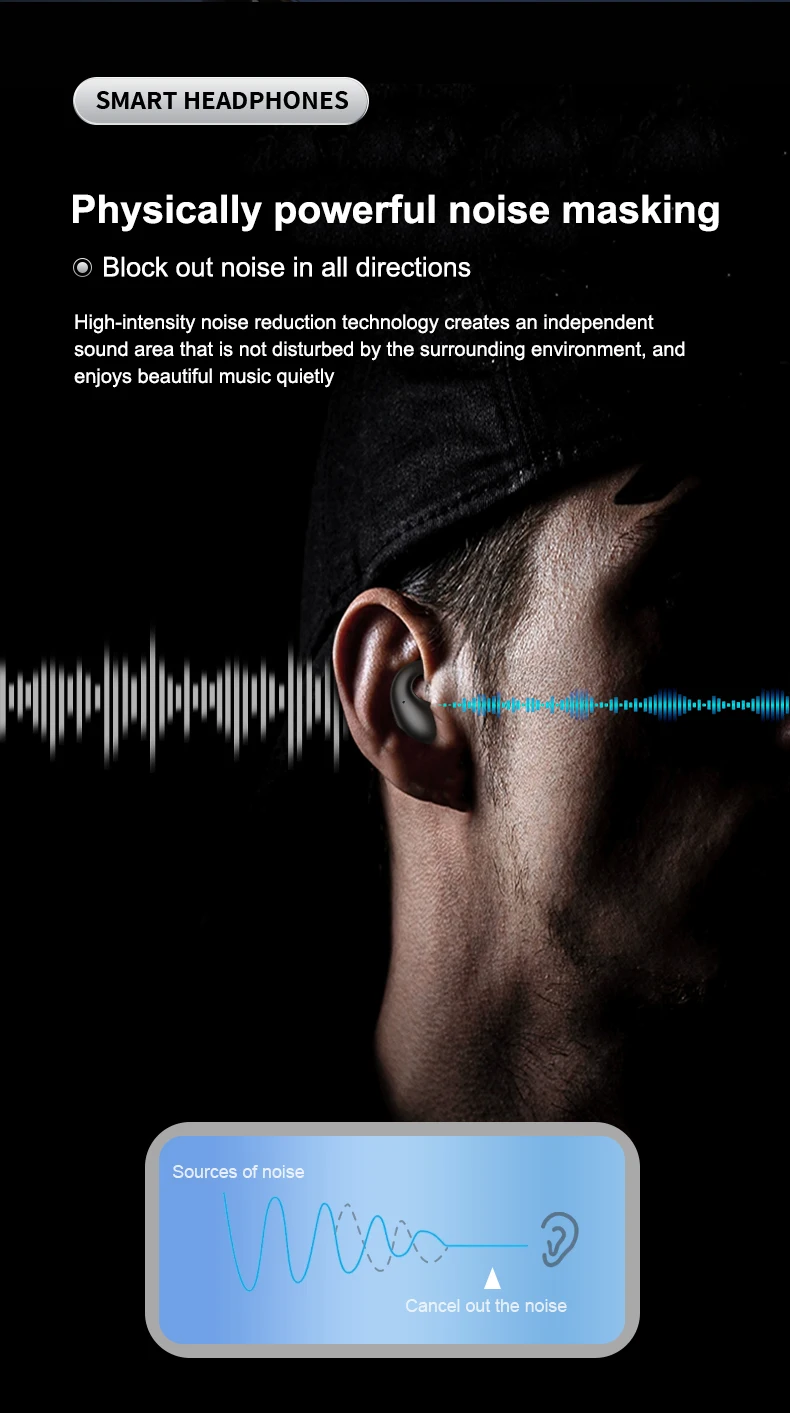
Active Noise-Cancellation: Yes
Author: INSONIXN
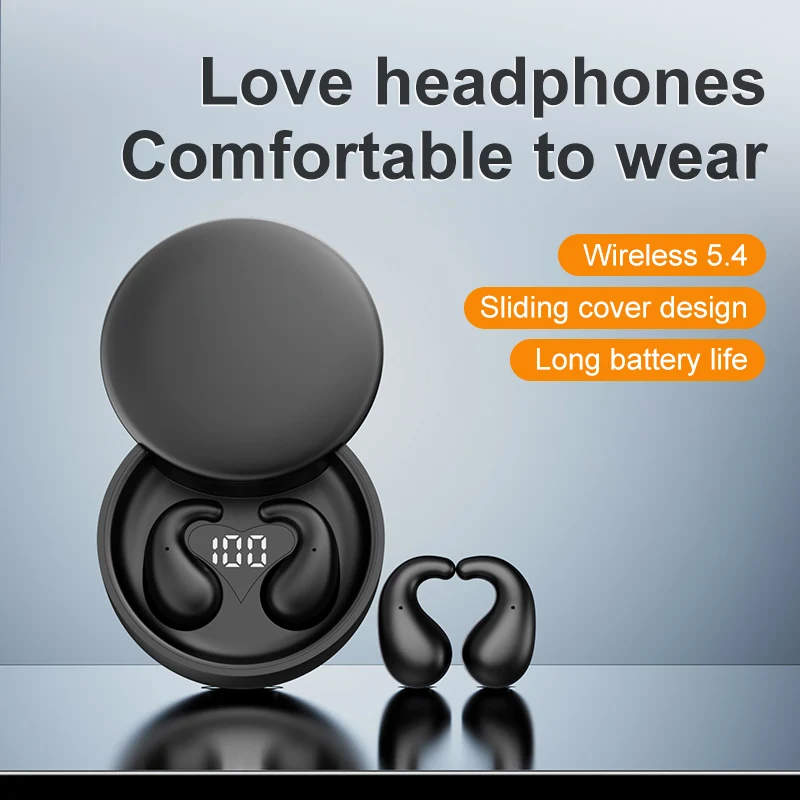
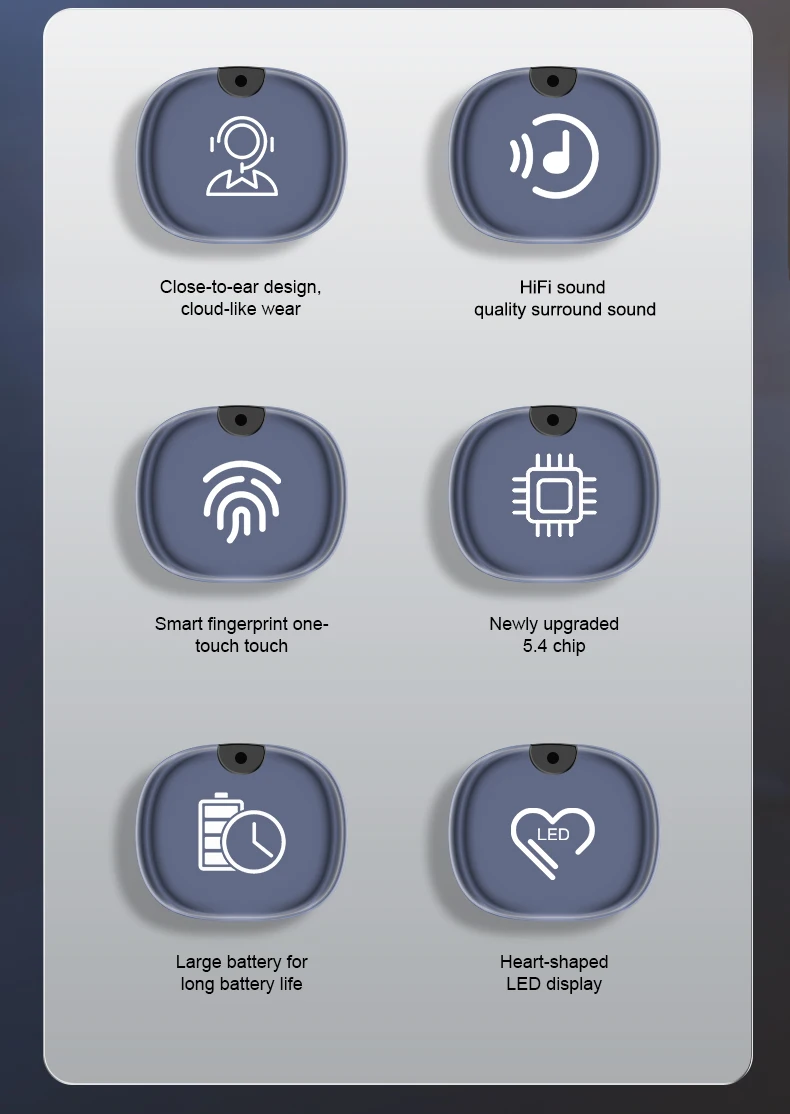
Battery Capacity[mAh]: 300
Battery life up to[hours]: 480
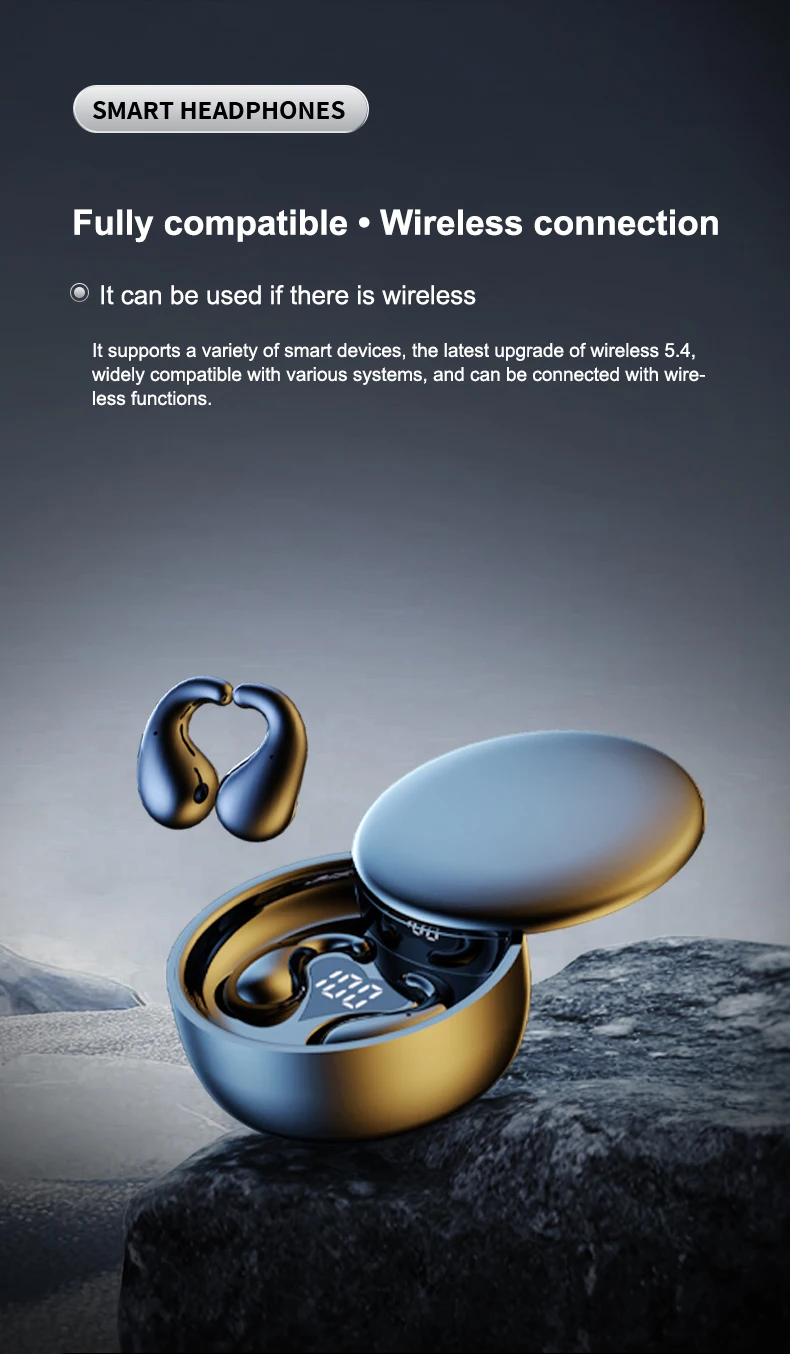
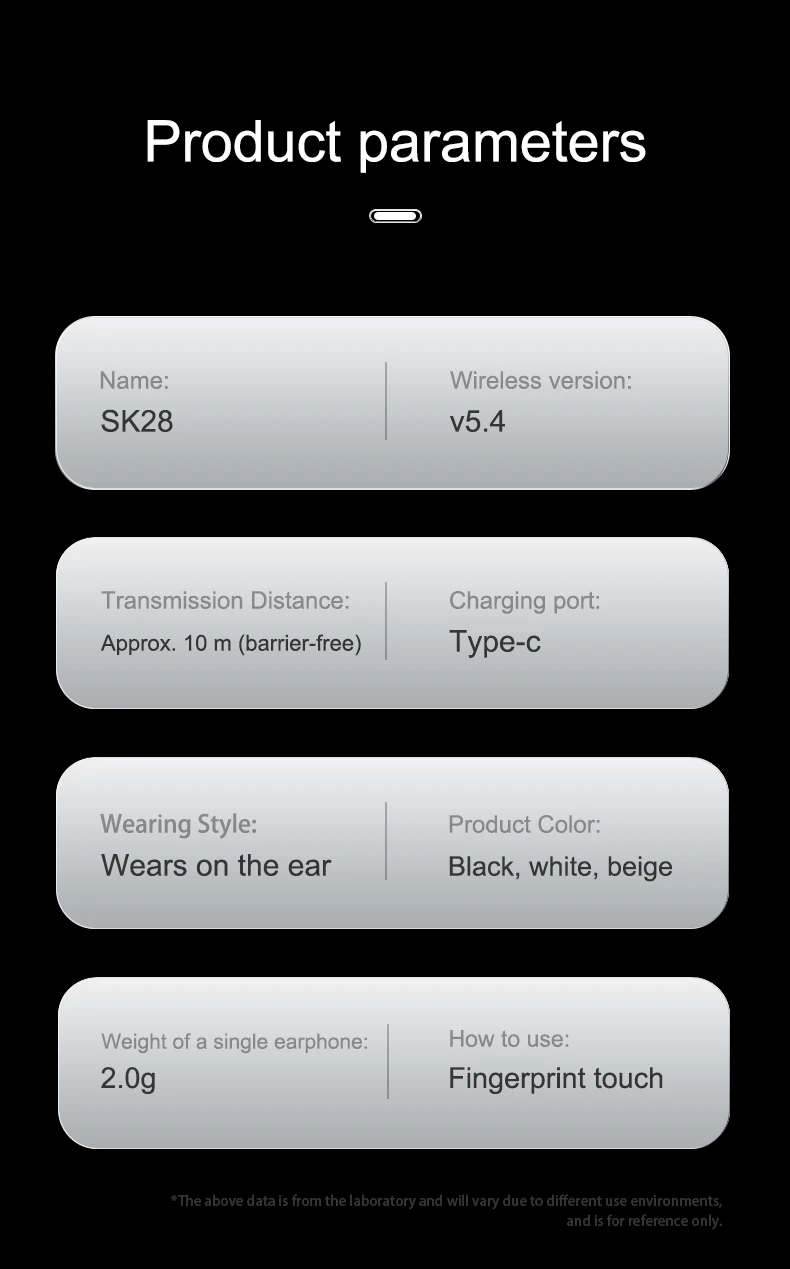
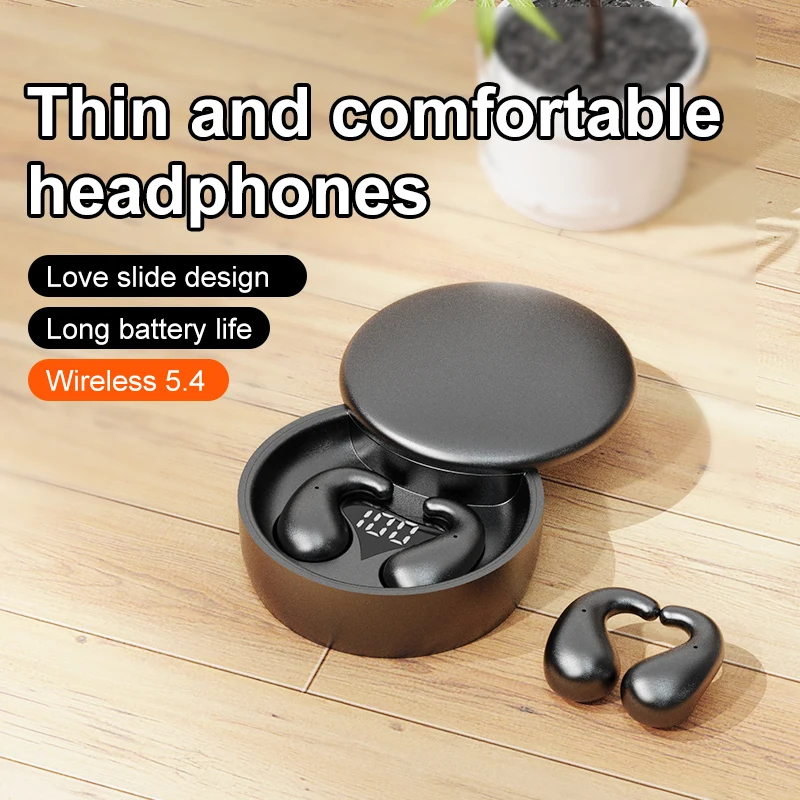
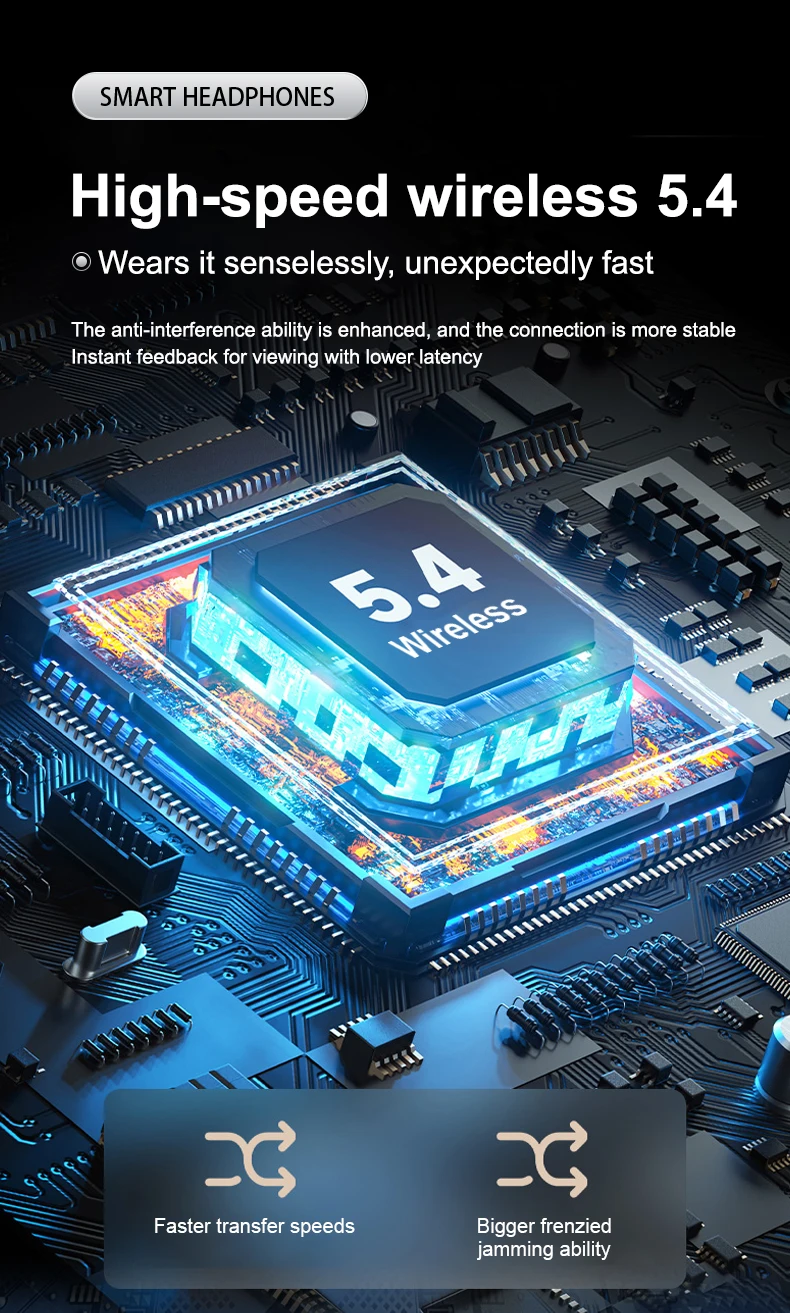
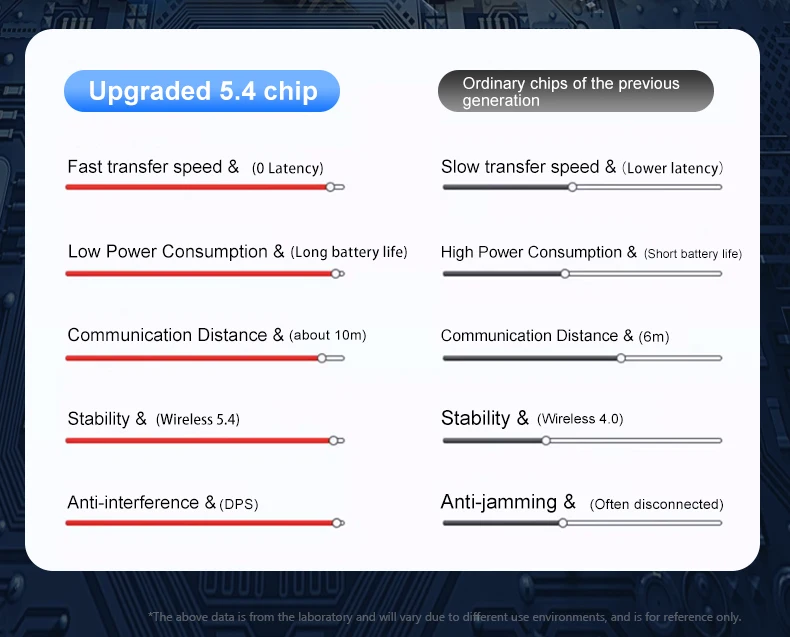
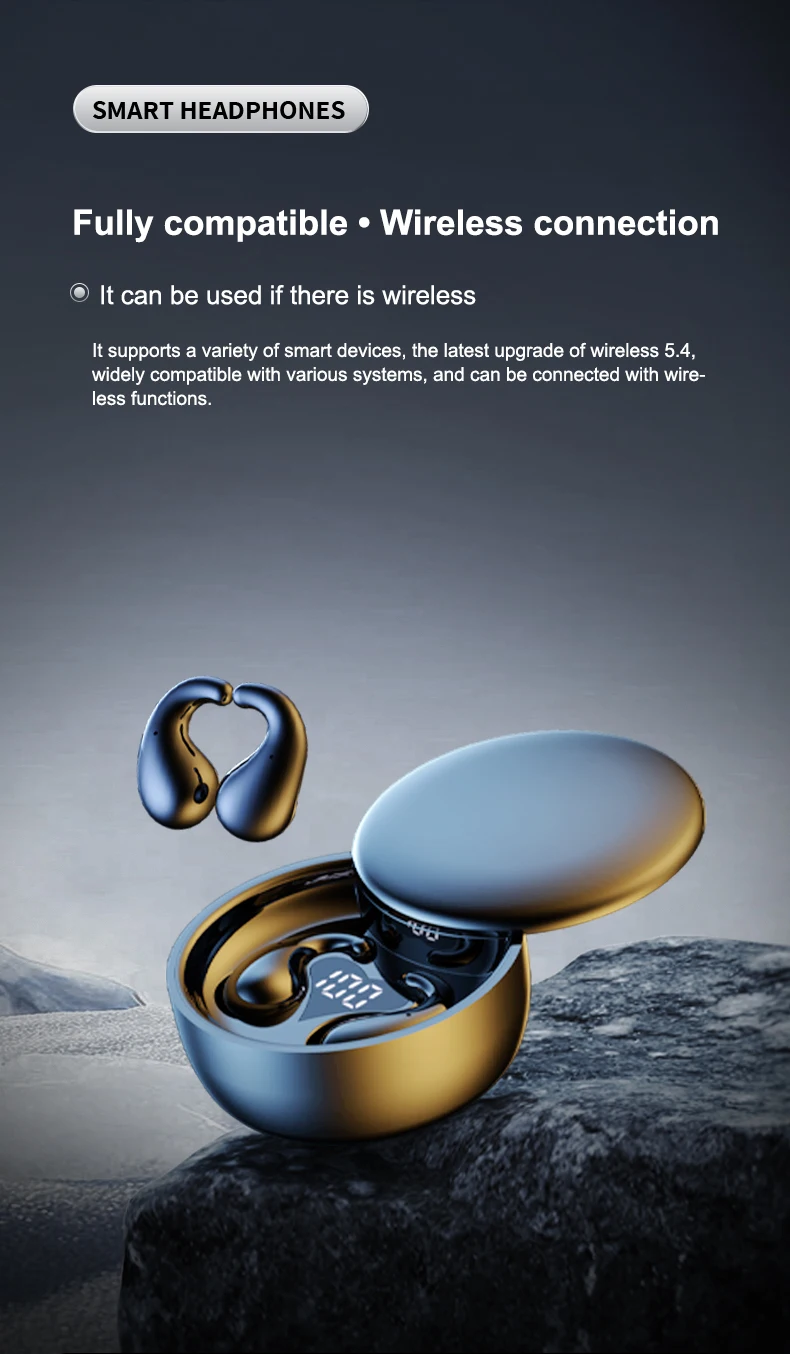
Bluetooth Version: Other
Brand Name: INSONIXN
Category: Earphones & Headphones
Certification: CE,FCC,RoHS
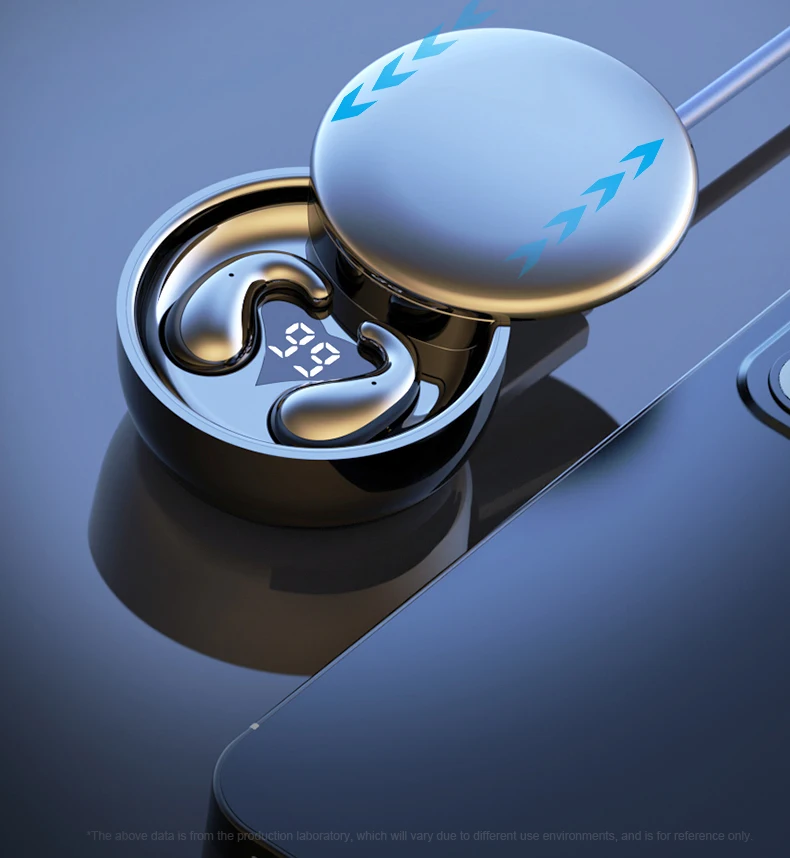
Charging Method: Charging case
Charging Time: 1
Codecs: AAC,sbc
Communication: True wireless
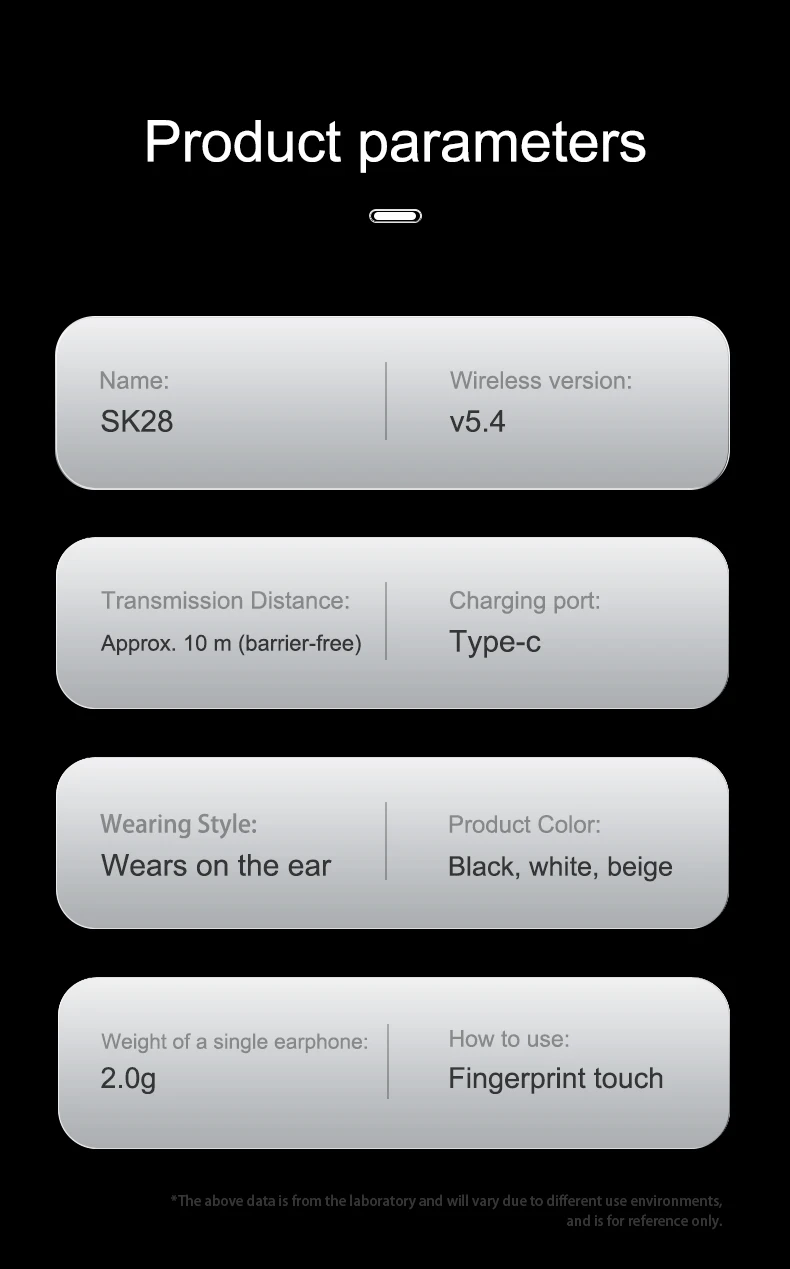
Connectors: Type c
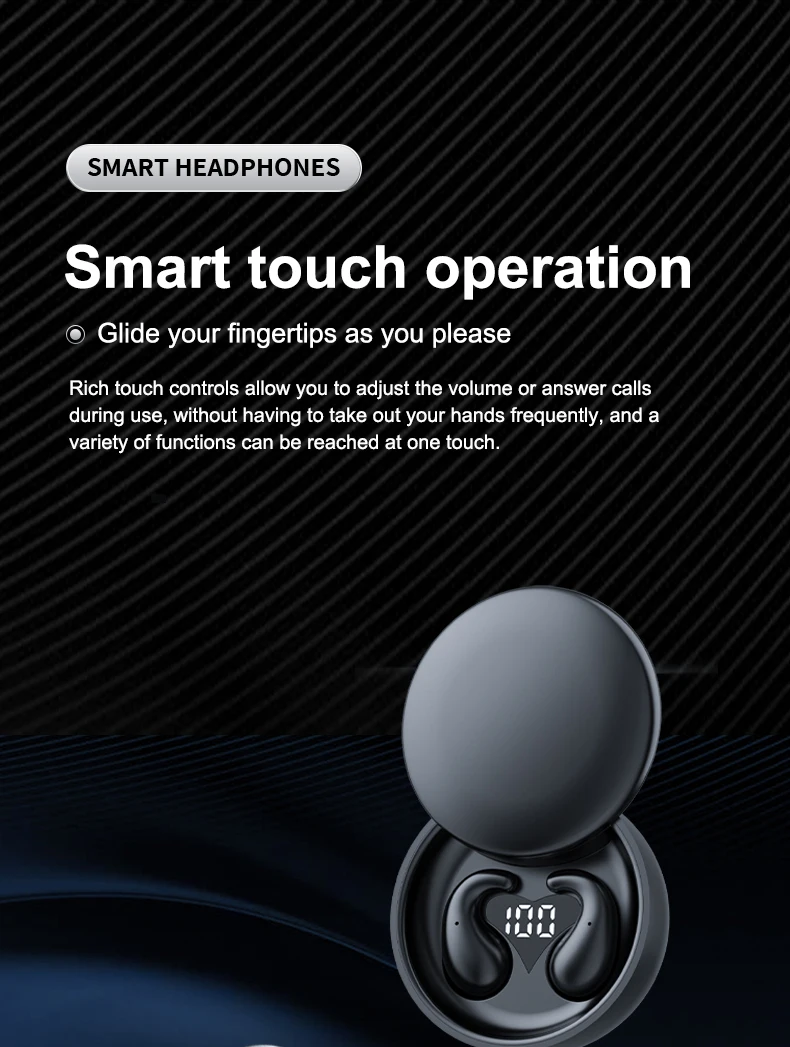
Control Button: Yes
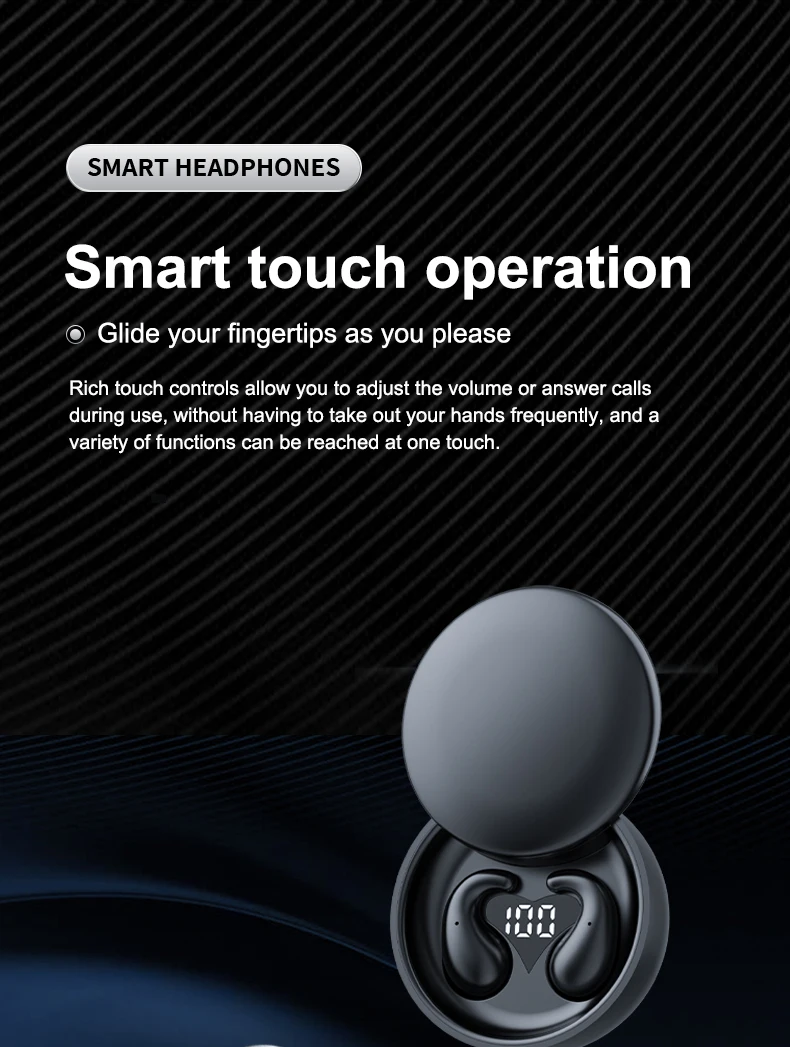
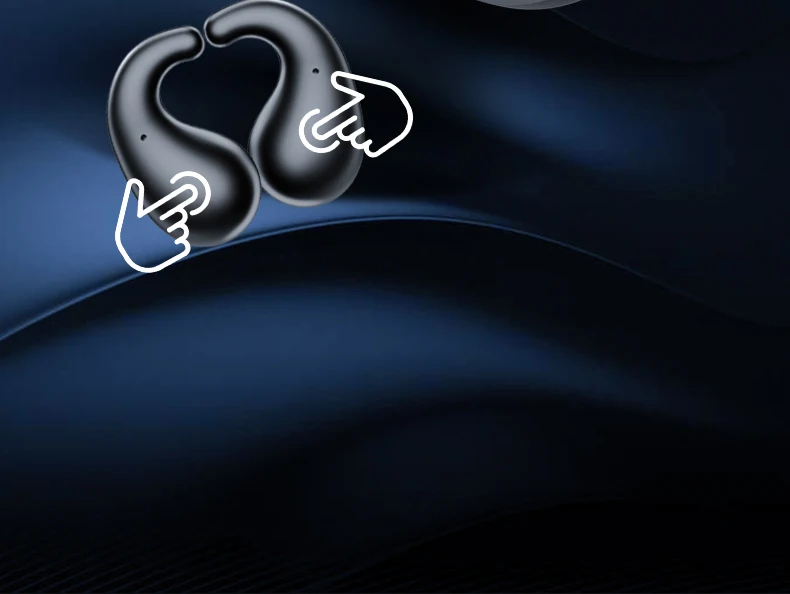
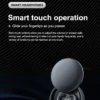
Control Method: Touch
Department: Unisex-adult
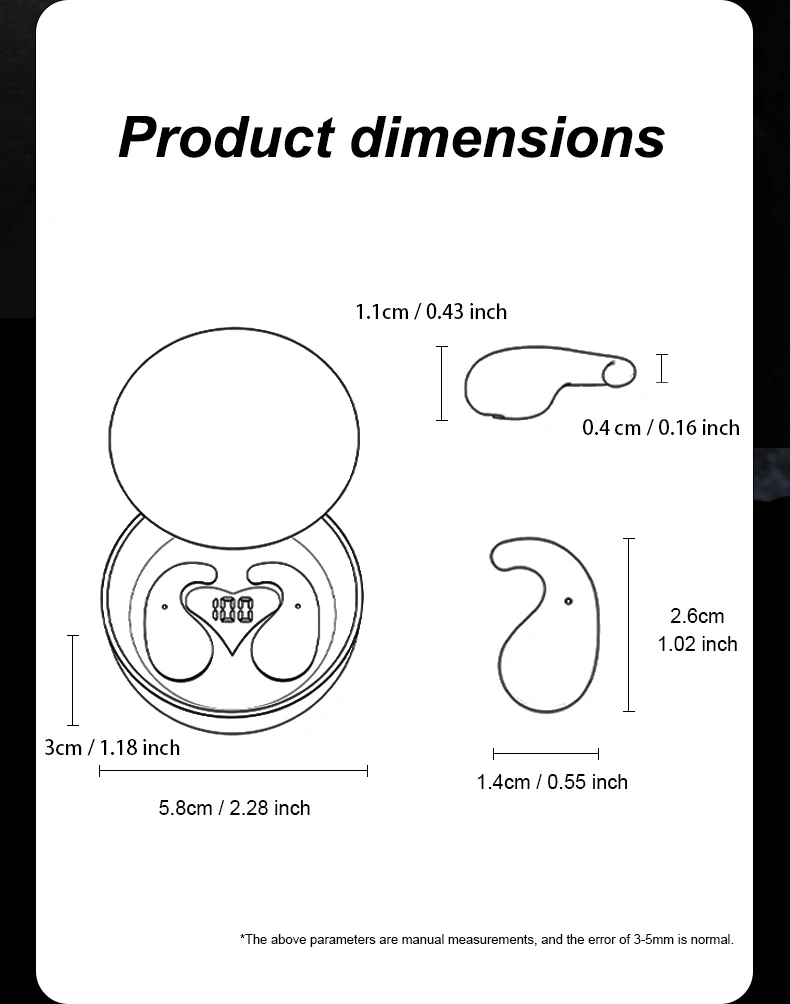
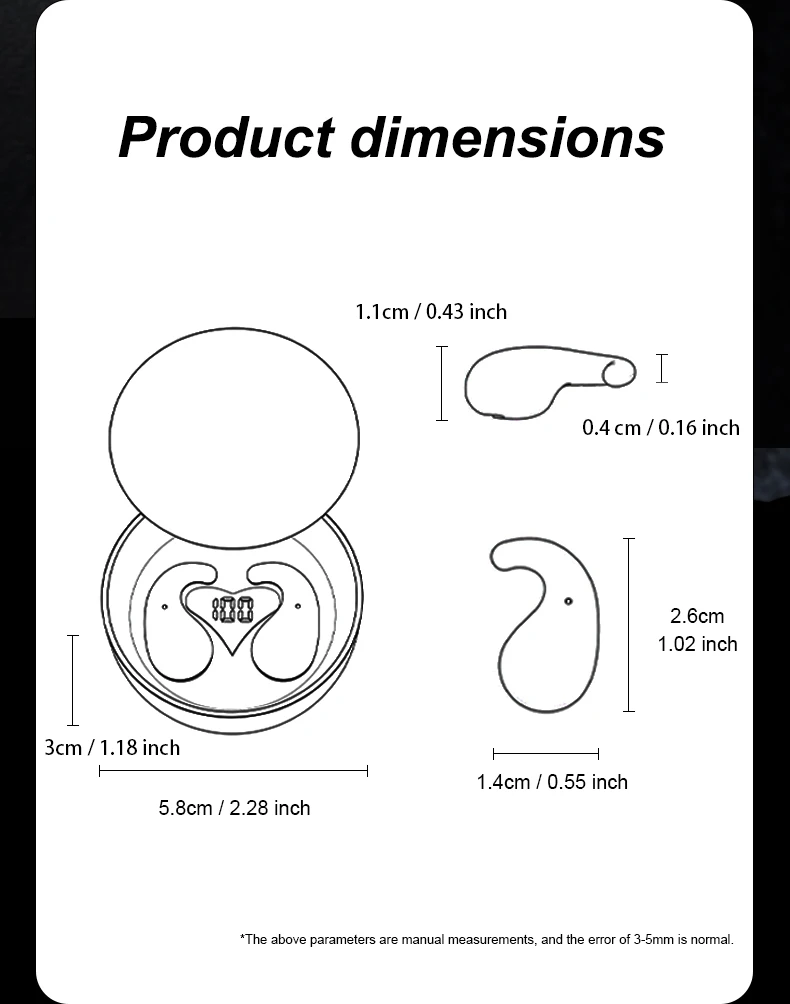
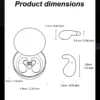
Depth[mm]: 96
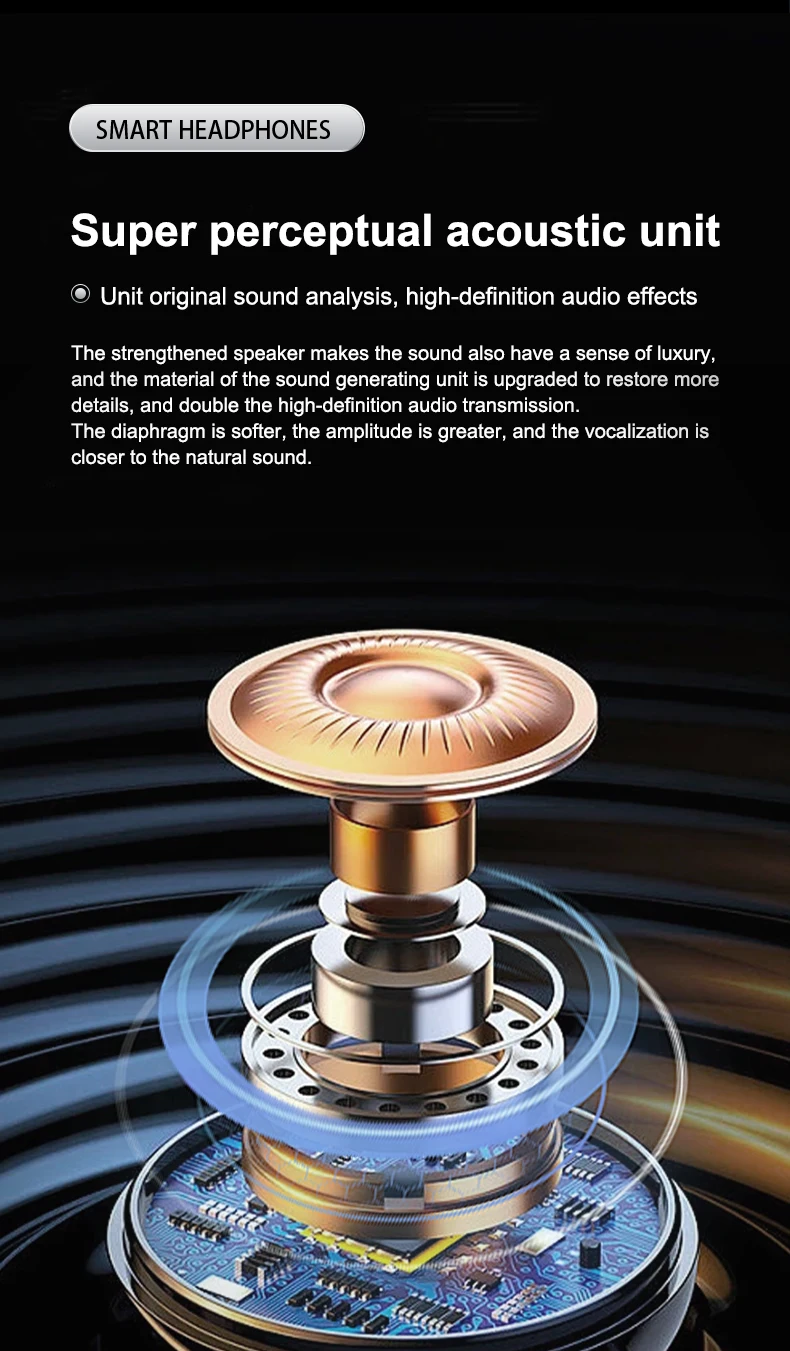
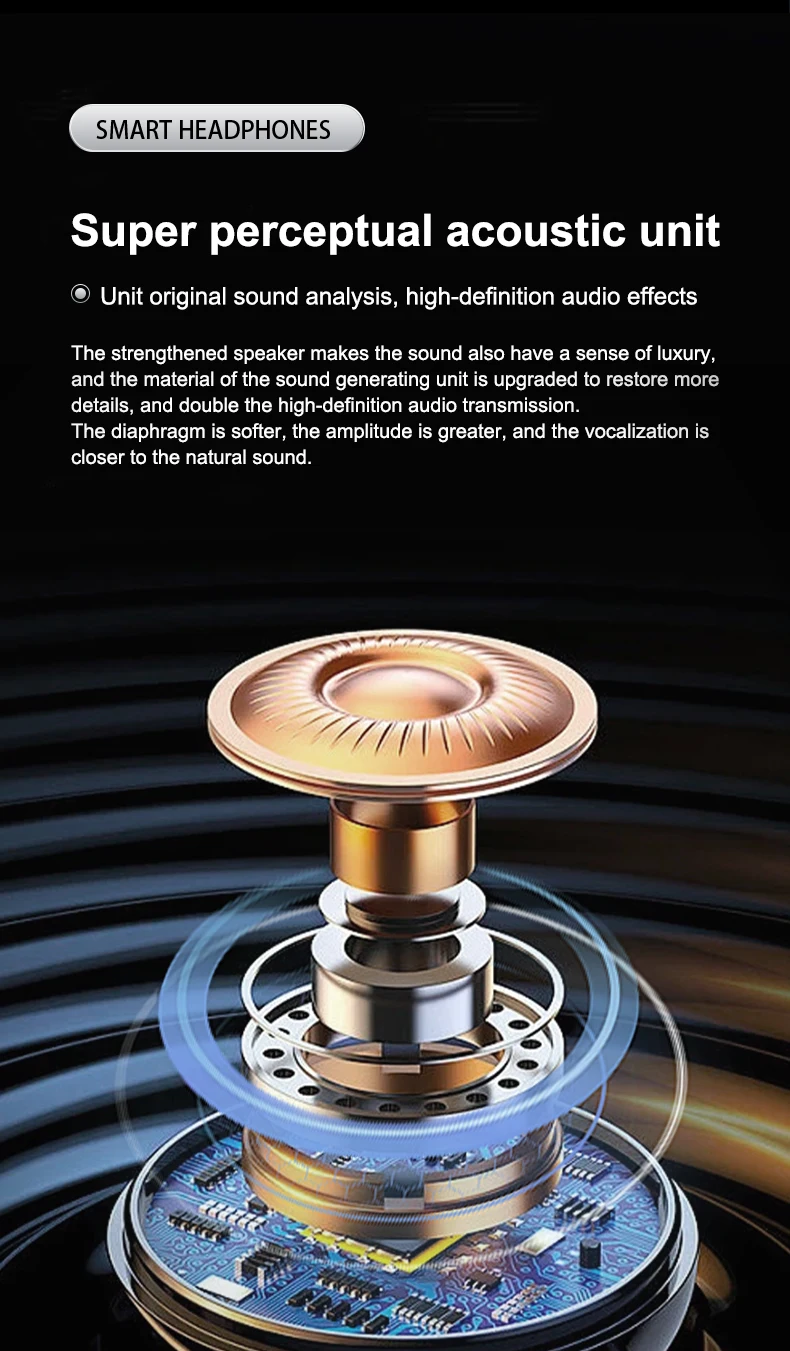
Driver Diameter: 14.2
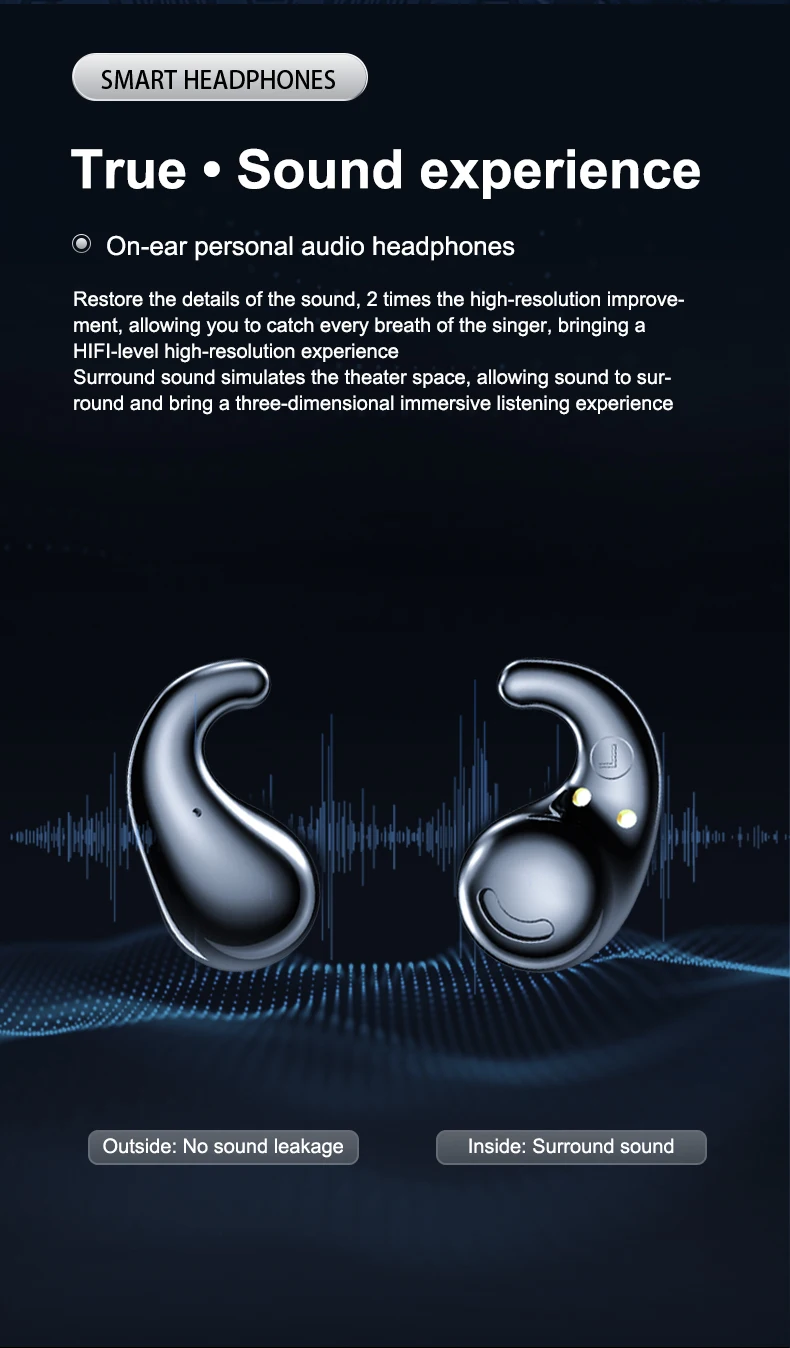
Earcups Type: Sealed
Features: Waterproof,With microphone,Apple Siri Support,Active Noice Cancelling
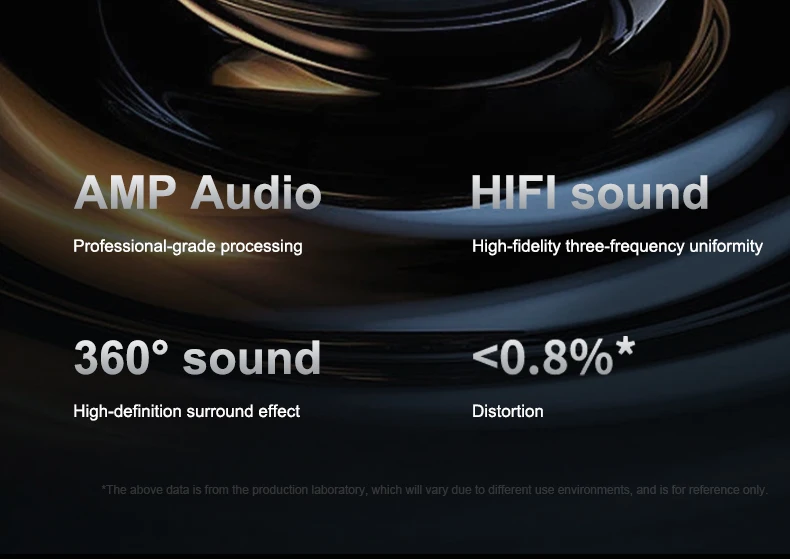
Frequency Response Range: 20 – 20000
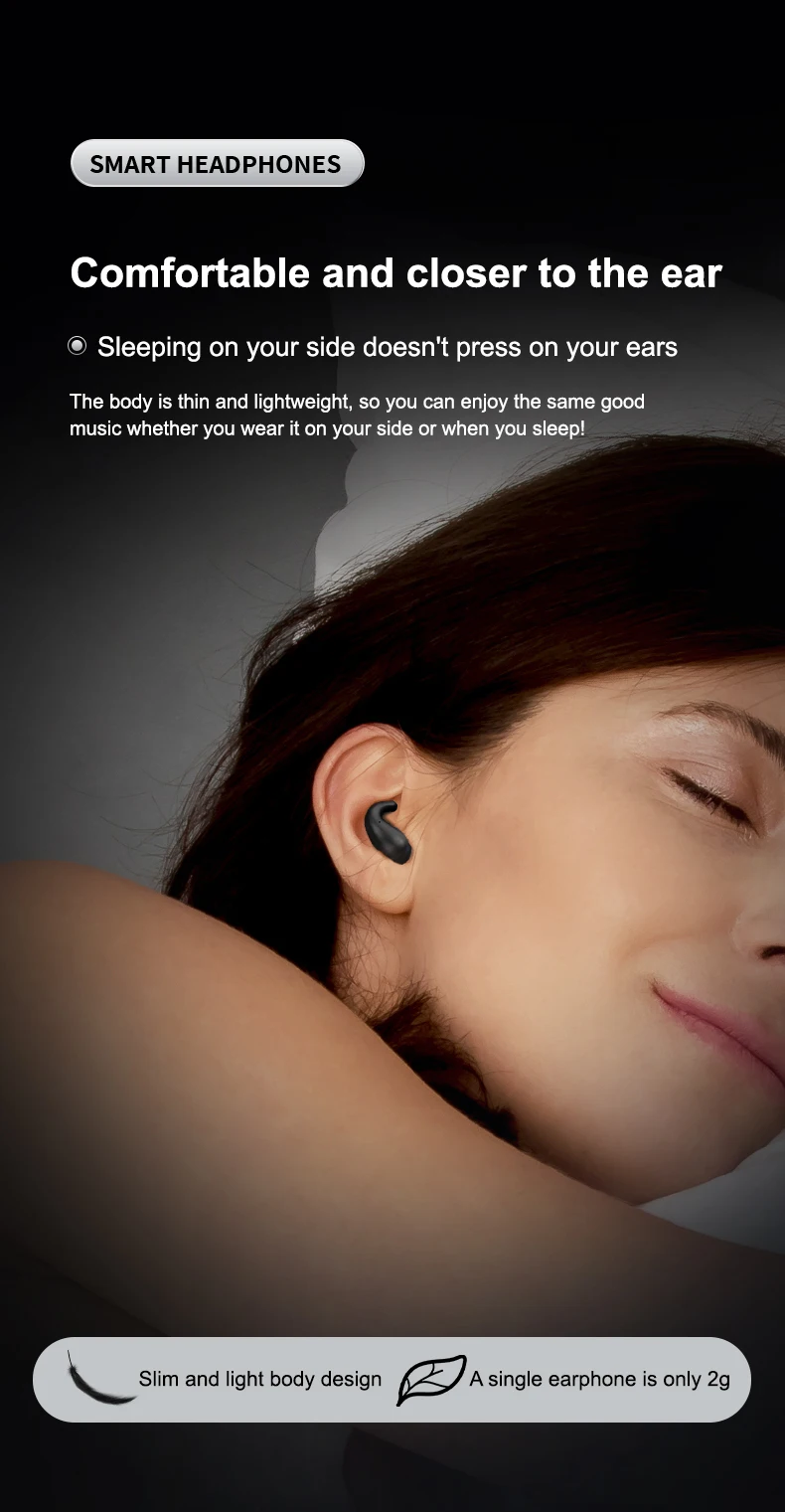
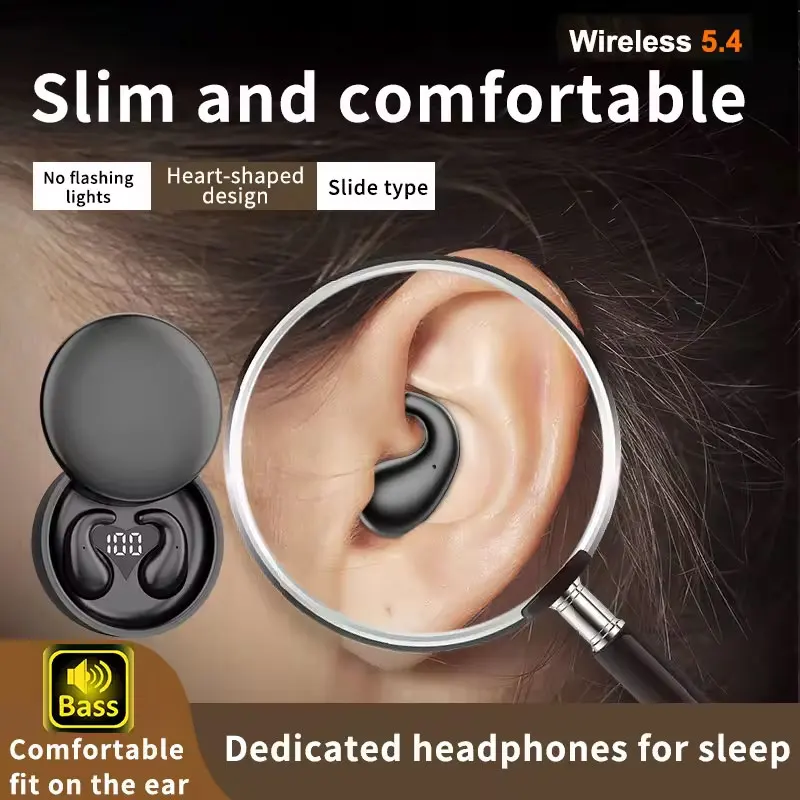
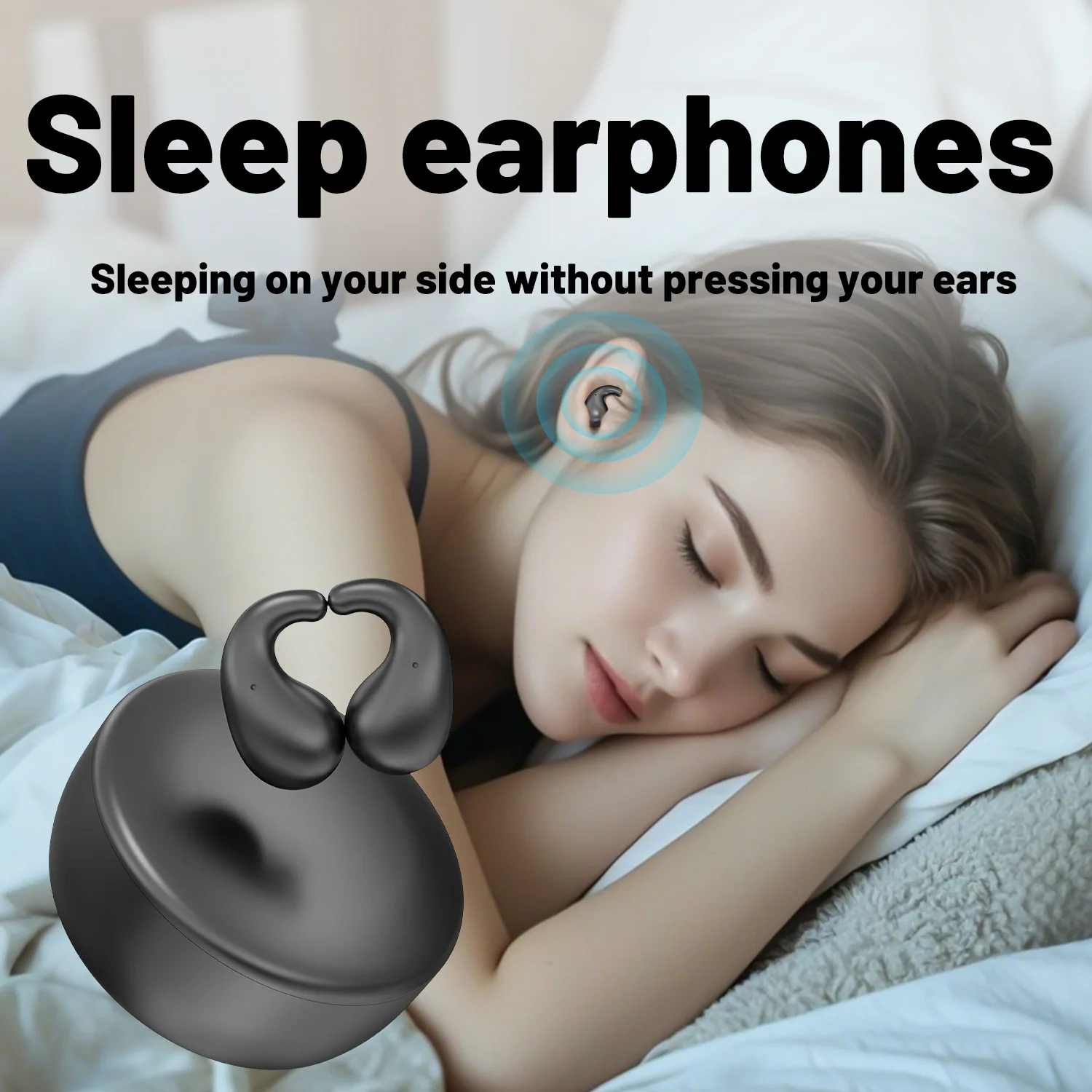
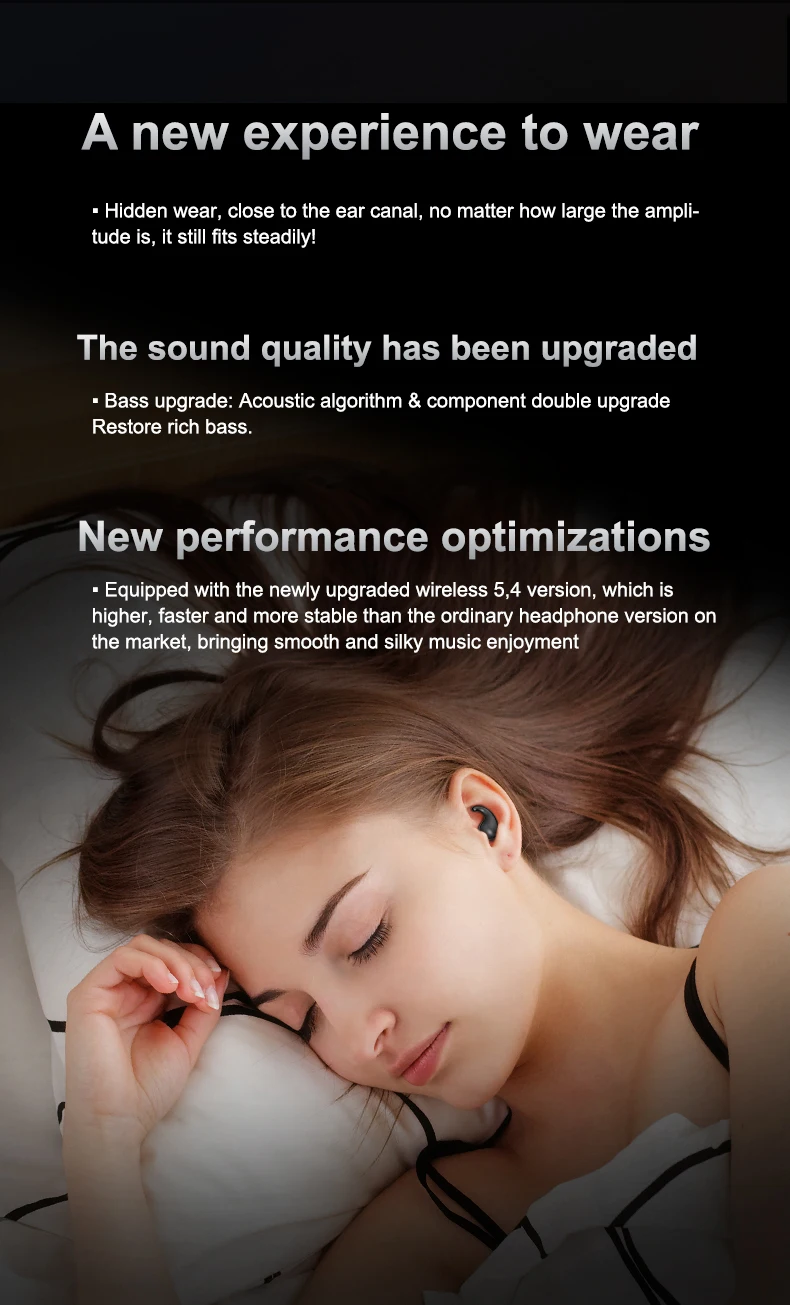
Function: for Video Game,HiFi Headphone,Sport,For Outdoor,For Office,For Sleep,For Study
Headphone Pads Material: Silicone
Height[mm]: 72
Impedance Range: up to 32 Ω
Is wireless: Yes
Line Length: 0.25
Magnet Type: Neodymium
Material: Plastic
Max Output: 2
Maximum wireless range[m]: <10m
Origin: Mainland China
Package List: User Manual,Charging case,Charging Cable
Plug Type: NONE
Resistance: 32
Sensitivity: 125
Signal To Noise Ratio: 95 db
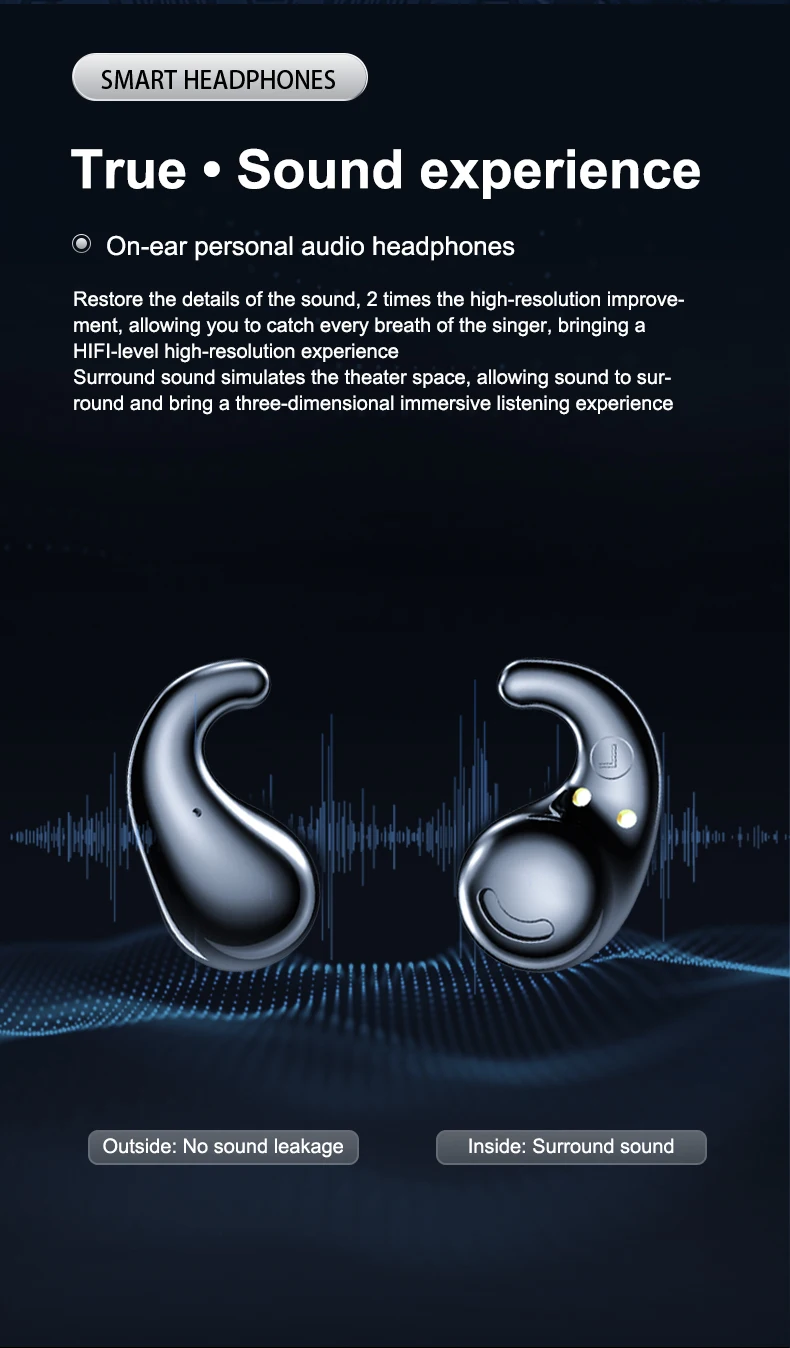
Sound Isolating: Yes
Speaker maximum output power: 1
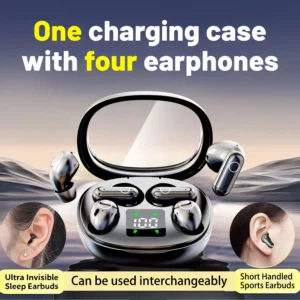
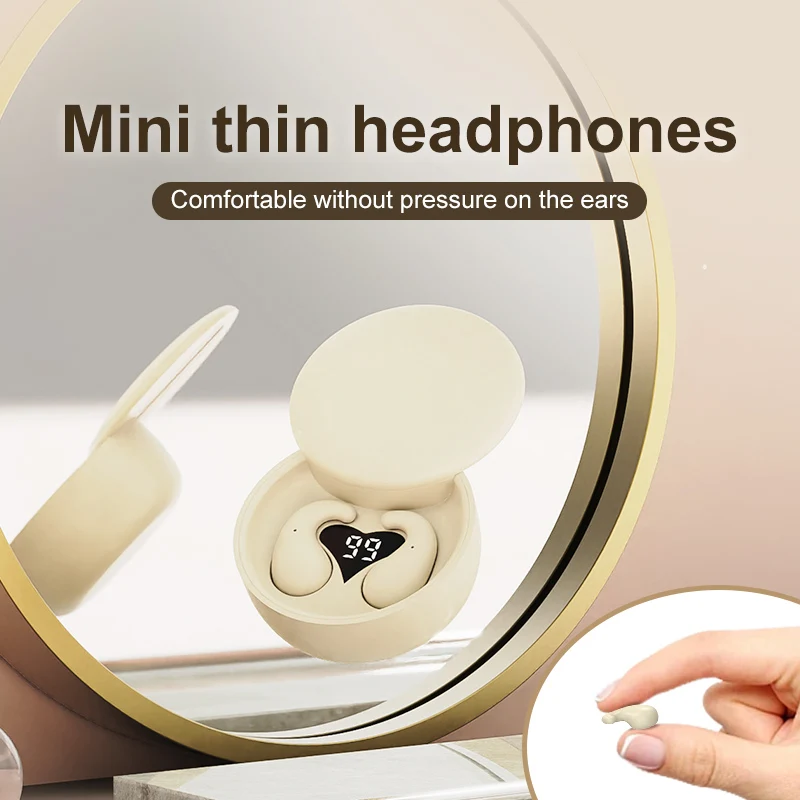
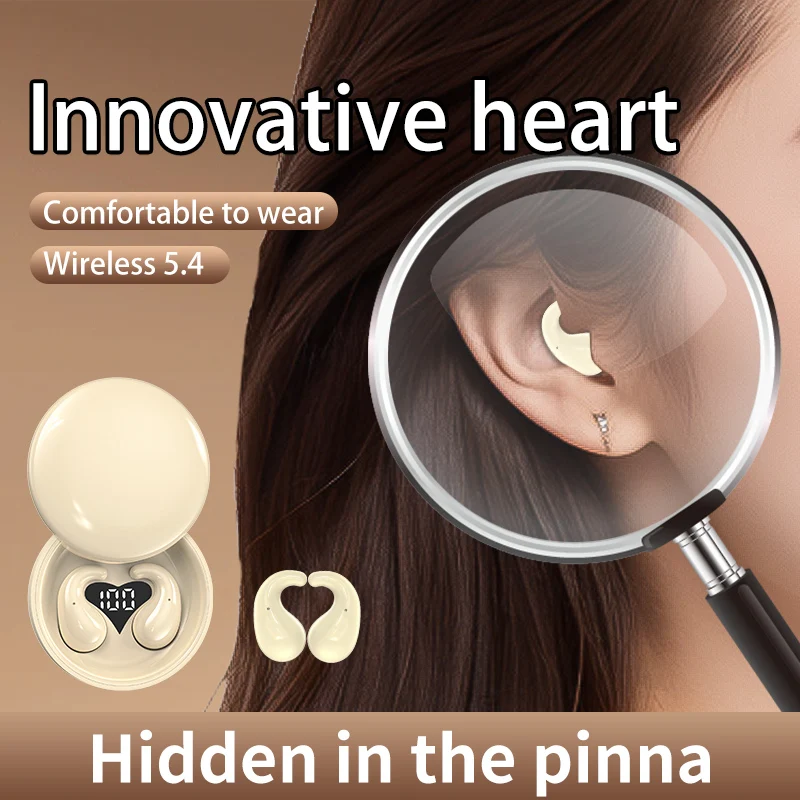
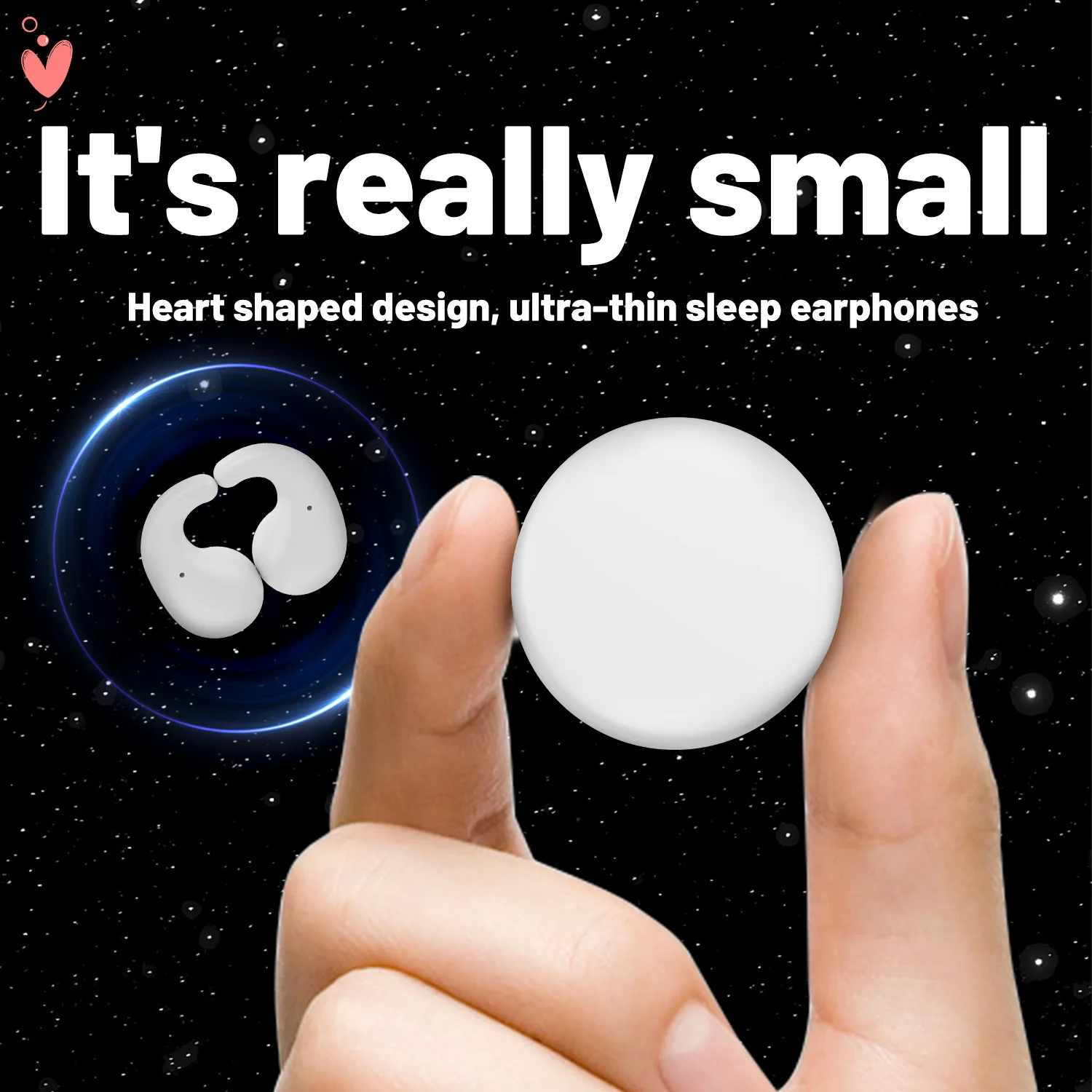
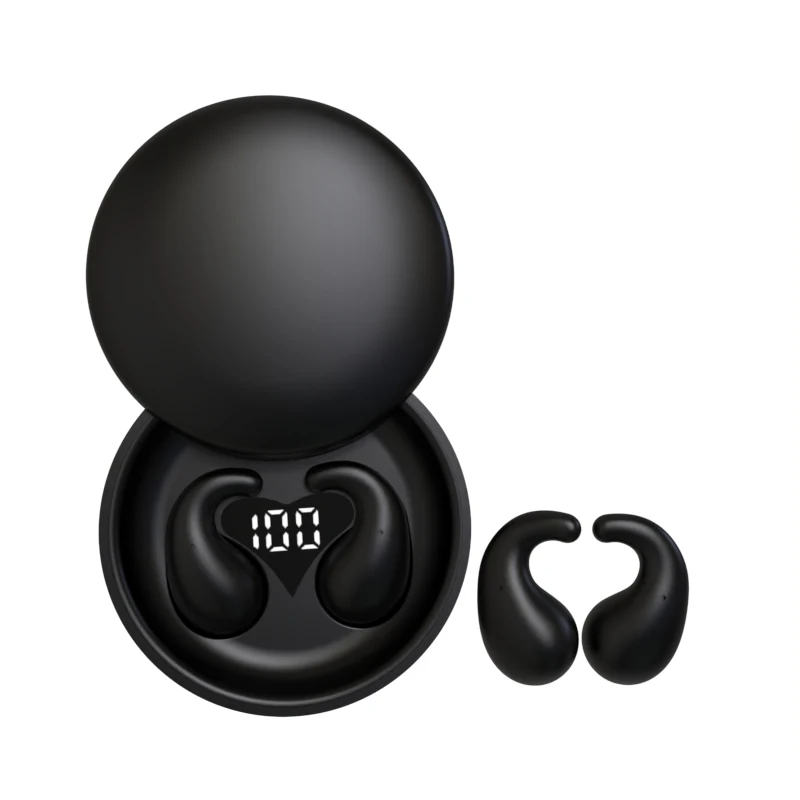
Style: Tws in-ear headphones
Support APP: Yes
Support Memory Card: No
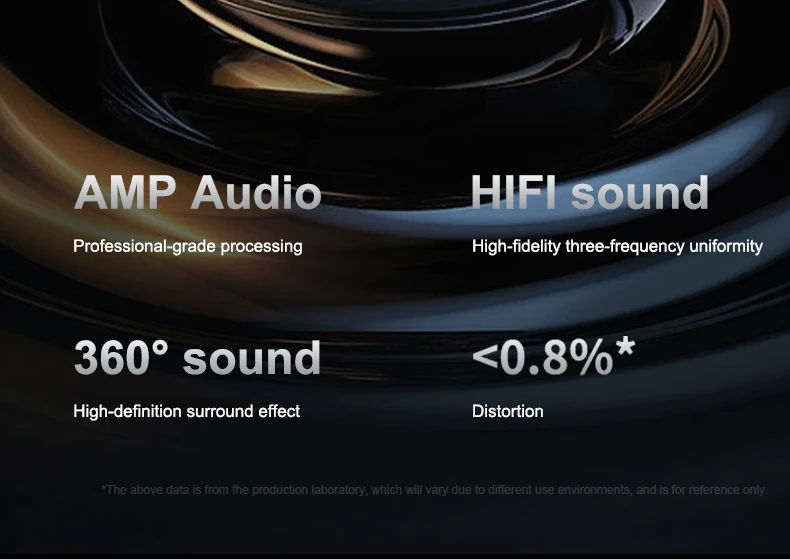
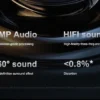
Total Harmonic Distortion: 1
Vocalism Principle: Hybrid Technology
Voice assistant built-in: Yes
Volume Control: Yes
Waterproof: Yes
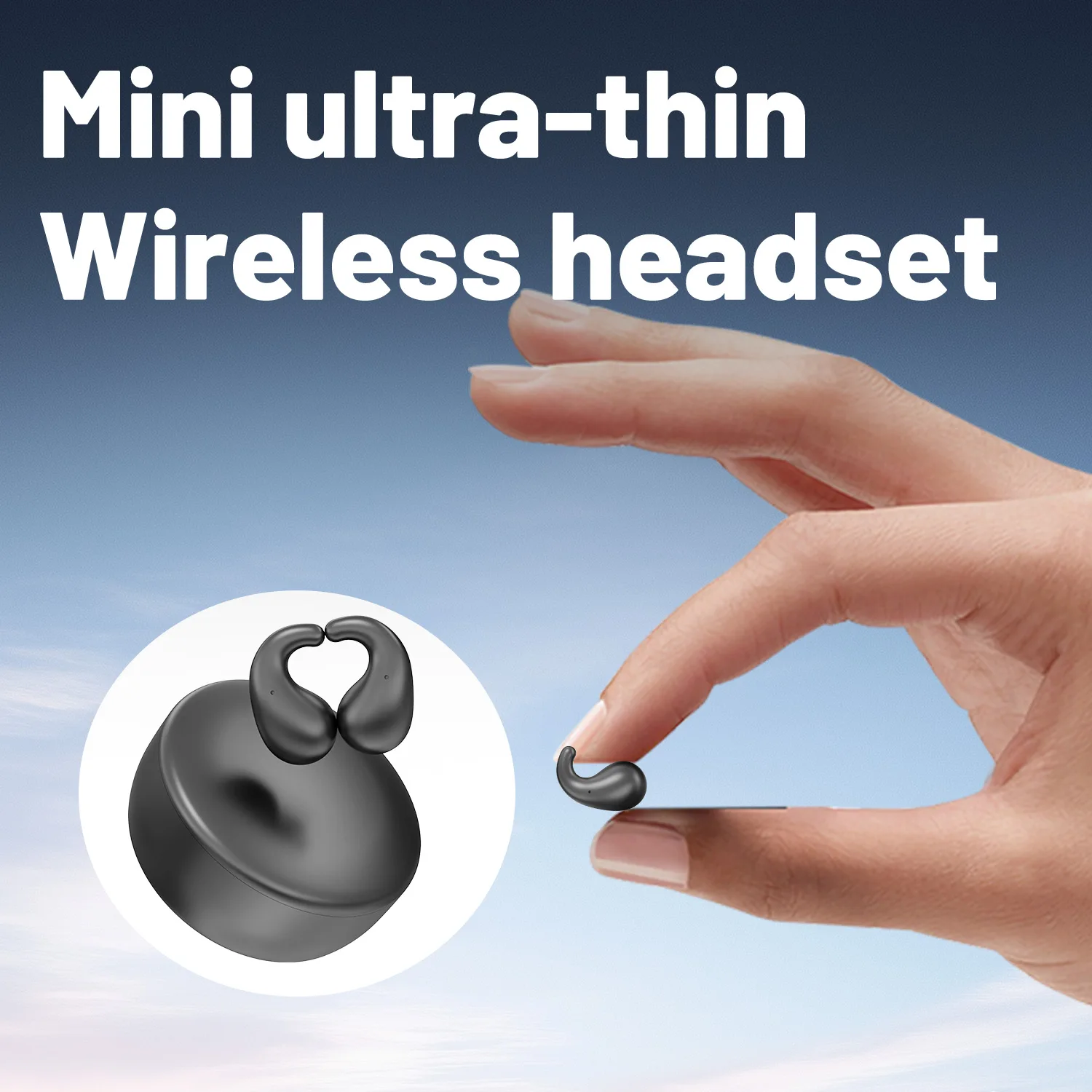
Weight[g]: 46
Width[mm]: 30
Wireless Type: Bluetooth
With Microphone: Yes
whether electrical: No


FAQ:
Q: What should I do if the earphones doesn’t connect to my device?
A: Please delete the connection record and reconnect it with the mobile phone.
Q: What should I do if one earbud have no sound while the other one is normal?
A: Please place the earphones back to the charging case, then open the case and reconnect it to the mobile phone. If it doesn’t work, please reset the earphones and try again.
Q: Why the connection is not stable and cut out intermittently?
A: 1. Please make sure there are no objects between the earphones and your Bluetooth device, and make sure
there is no radio or Wi-Fi interference nearby.
2. Reset your earbuds.
| Color | Black |
|---|---|
| Ships From | United States |













Reviews
There are no reviews yet.